

Mounting and Power#
The SLM-RP4 and its modules install on 35 mm DIN rail, powered from a 24 VDC supply, with modules stacked to the right of the base.
Mounting on DIN rail#
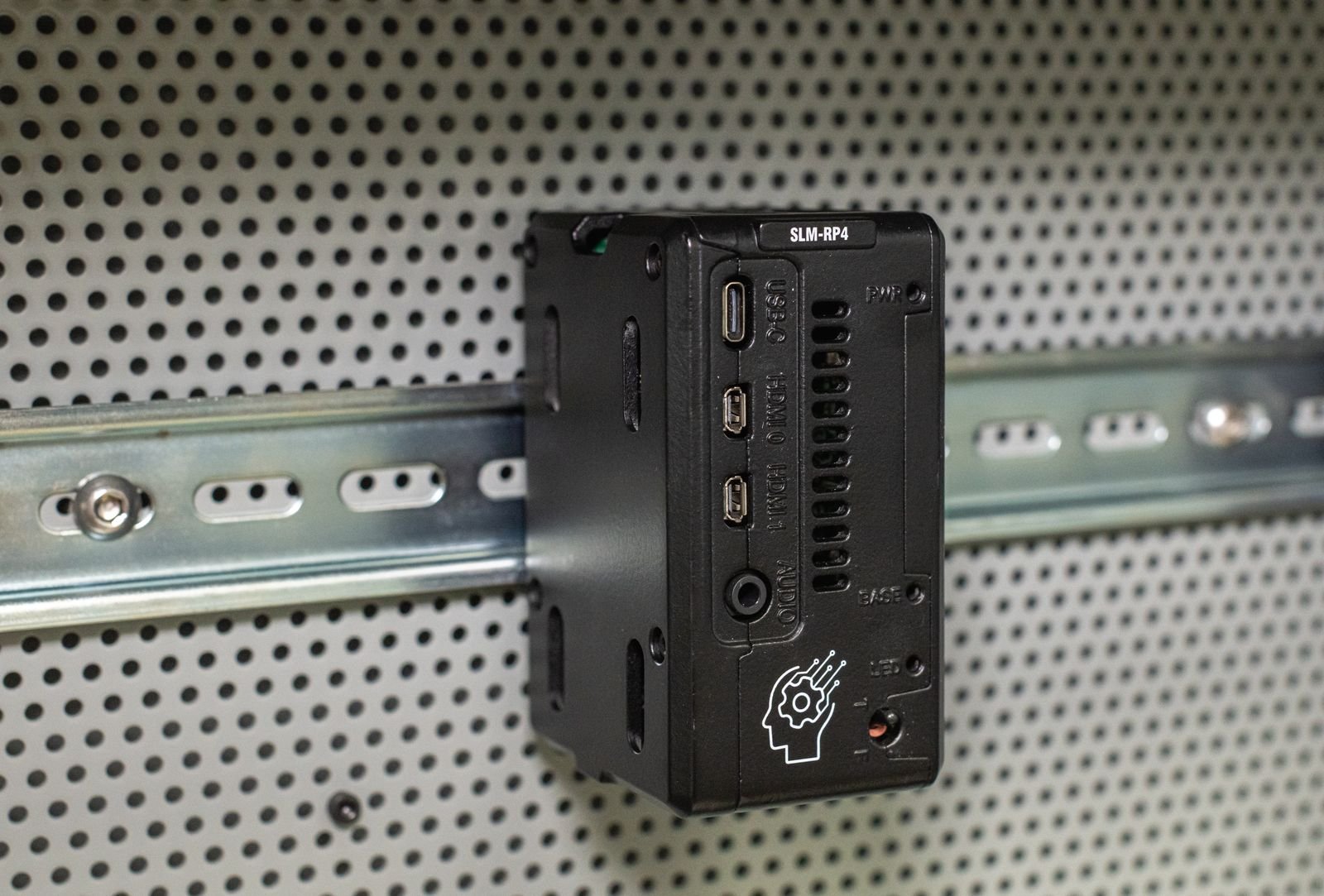
Hook the top lip of the rail clip over the upper edge of the rail.
Rotate the bottom of the unit toward the rail until the latch clicks.
Pull up gently to confirm it is seated.
To remove a unit, pull the release tab at the bottom of the clip downward and rotate the unit off the rail.
Mount the base at the left end of the group and add modules to its right. Fit a rail stop at each end of the assembly to prevent lateral movement under vibration.
Clearance and orientation#
Mount the assembly horizontally, with the rail running left to right and the terminal blocks facing out. The units are convection cooled and require vertical airflow past the fins.
Leave clearance above and below the assembly for airflow, and to the right of the last module for backplane access when adding modules.
Power requirements#
The SLM-RP4 requires 24 VDC at the terminal block on the base. This supply powers the controller and the backplane logic.
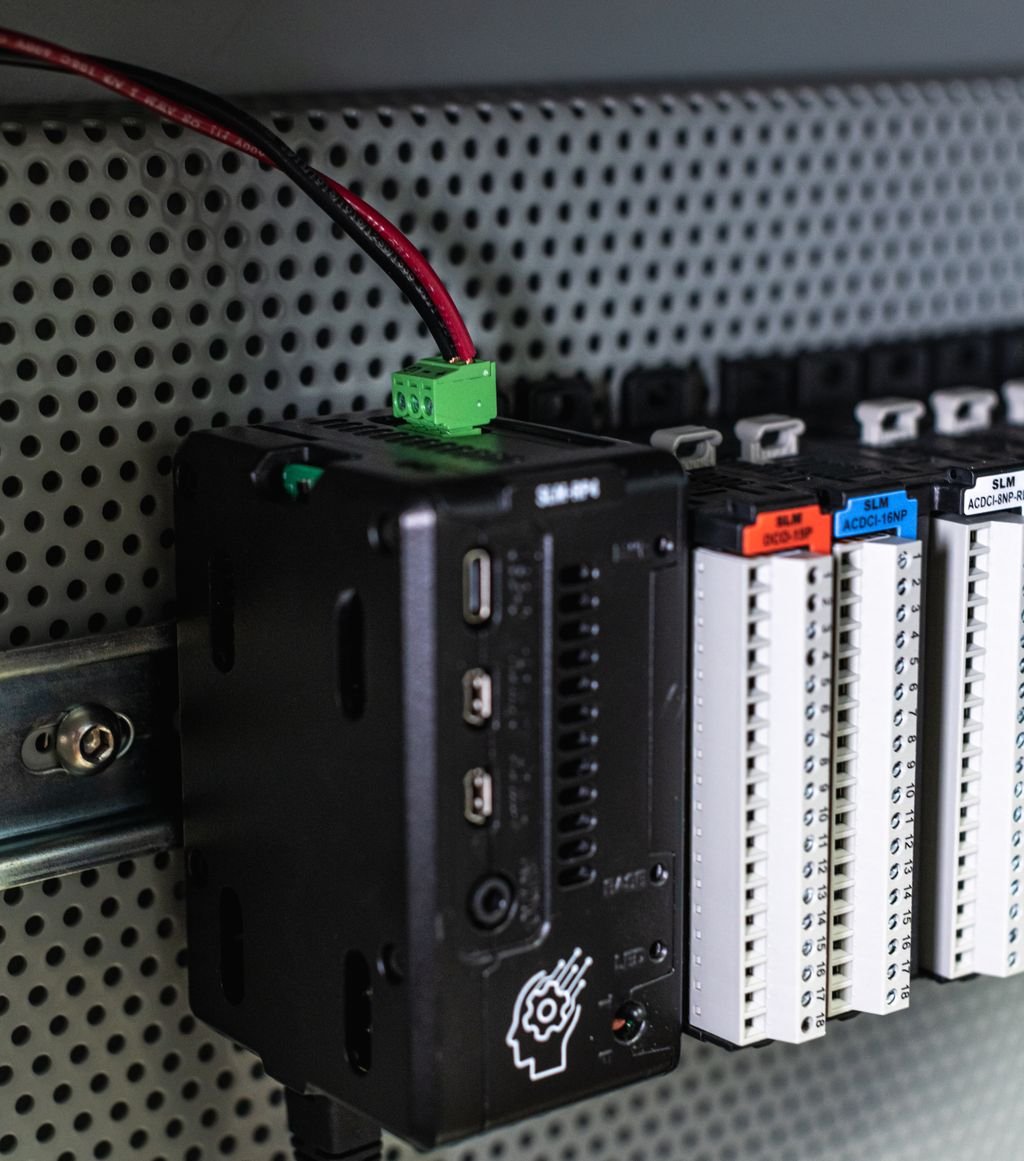
Connect the supply to the terminals marked on the housing: 24V to the positive output, 0V to the negative output, and G to ground.
Grounding
Connect the G terminal to the cabinet ground bar with the shortest practical conductor. Analog modules are sensitive to ground loops; drift or mains-frequency noise on a thermocouple or 4-20 mA reading is often a grounding issue rather than a module fault.
USB-C does not power the backplane
The USB-C port can power the controller only. The backplane is powered exclusively through the 24 VDC terminal block.
Field power is separate
The 24 V that powers the controller is not the same as the field power that switches loads. Output modules may require their own field supply connected to the module’s terminal block. See each module’s wiring diagram.
See Raspberry Pi / Device Setup for clean shutdown procedure before removing power.